

August 19, 2026
Summary: In this tutorial, you’ll learn about the practical use of generated columns in PostgreSQL.
Table of Contents
Core Concepts and Conclusions
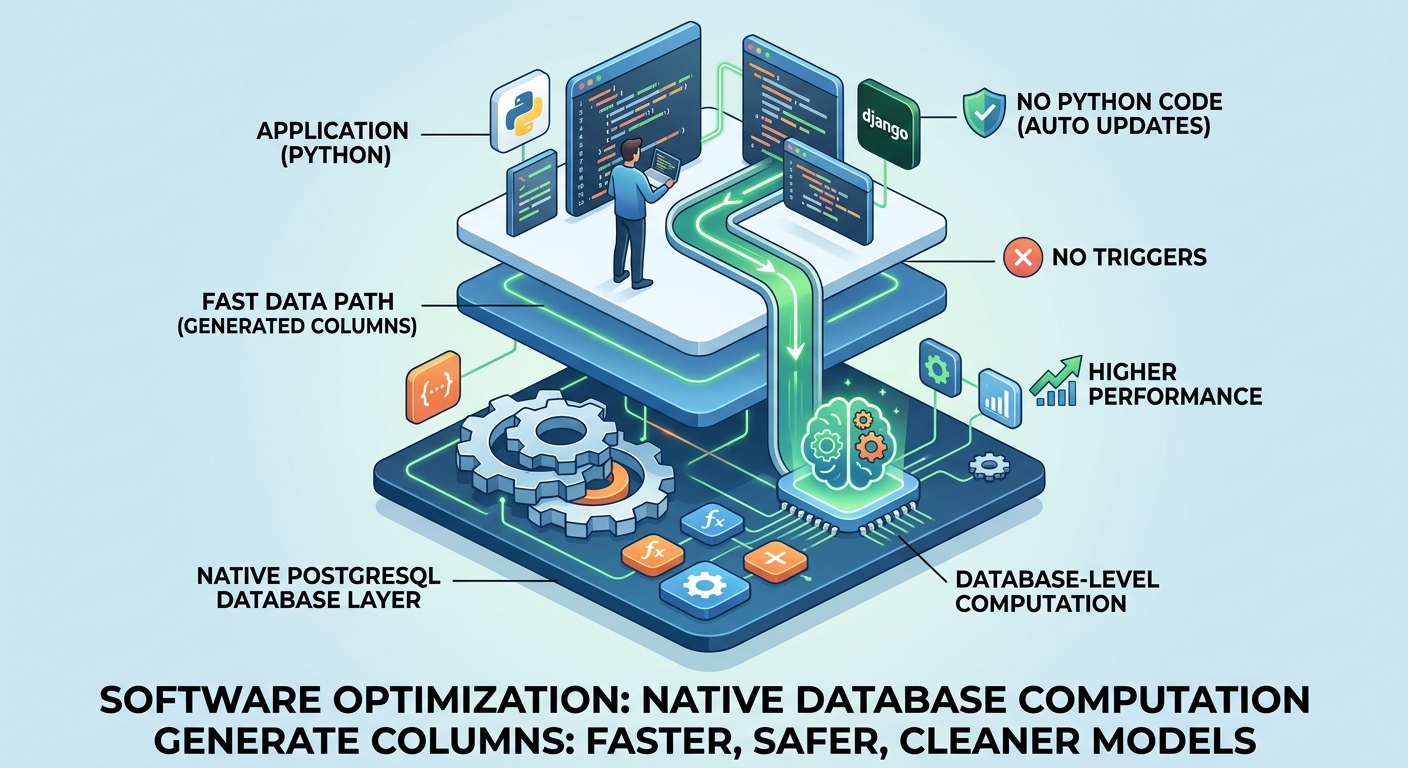
PostgreSQL’s Generated Columns are a powerful and highly efficient feature. Because their computational logic is pushed down directly to the database level, no extra Python code or triggers are required to keep data synchronized in real-time. This significantly improves querying and computational performance while making data models cleaner and safer, making it an excellent tool for developing complex real-world applications.
Key Technical Background
- Feature Introduction: Generated columns were first introduced in PostgreSQL 12 (2019).
- Storage Types:
- Stored/Persistent: The calculated results are physically stored in the database (early versions only supported this method).
- Virtual: Supported in newer versions (like PostgreSQL 17/18). Data is calculated on the fly when read and doesn’t take up storage space, making it ideal for “write-heavy, read-light” scenarios.
- Django Support: In Django 5.0, the official ORM introduced
GeneratedField, allowing developers to seamlessly utilize this database feature directly within Python code.
Implementation in Django (GeneratedField)
To create a generated column (GeneratedField) in a Django model, you need to specify three core parameters:
expression: Defines the logical expression for calculating the final value.output_field: Defines the data type of the generated column.db_persist: A boolean value specifying whether the column should be a stored (Persistent) or virtual column.
8 Typical Use Cases and Examples
The most common use cases for generated columns are:
1. Basic Mathematical Calculations
- Scenario: Calculating area.
- Method: The database table only needs to store a “Radius” field. A generated column, using constants and functions, automatically calculates the “Area” of the circle.
2. Price and Inventory Aggregation
- Scenario: Calculating the total price of order items.
- Method: By utilizing preset “Price” and “Quantity” fields, they are multiplied directly to generate a “Total”. If the quantity is modified, the total automatically updates at the database level.
3. Conditional Logic (Automatic Status Switching)
- Scenario: Updating order status.
- Method: By combining SQL
CaseandWhenstatements, the system can check if the “Payment Time” is null. If it’s not null, the generated column automatically marks the status as “Paid”; otherwise, it defaults to “Created”.
4. Optimizing JSON Field Queries (Significant Performance Boost)
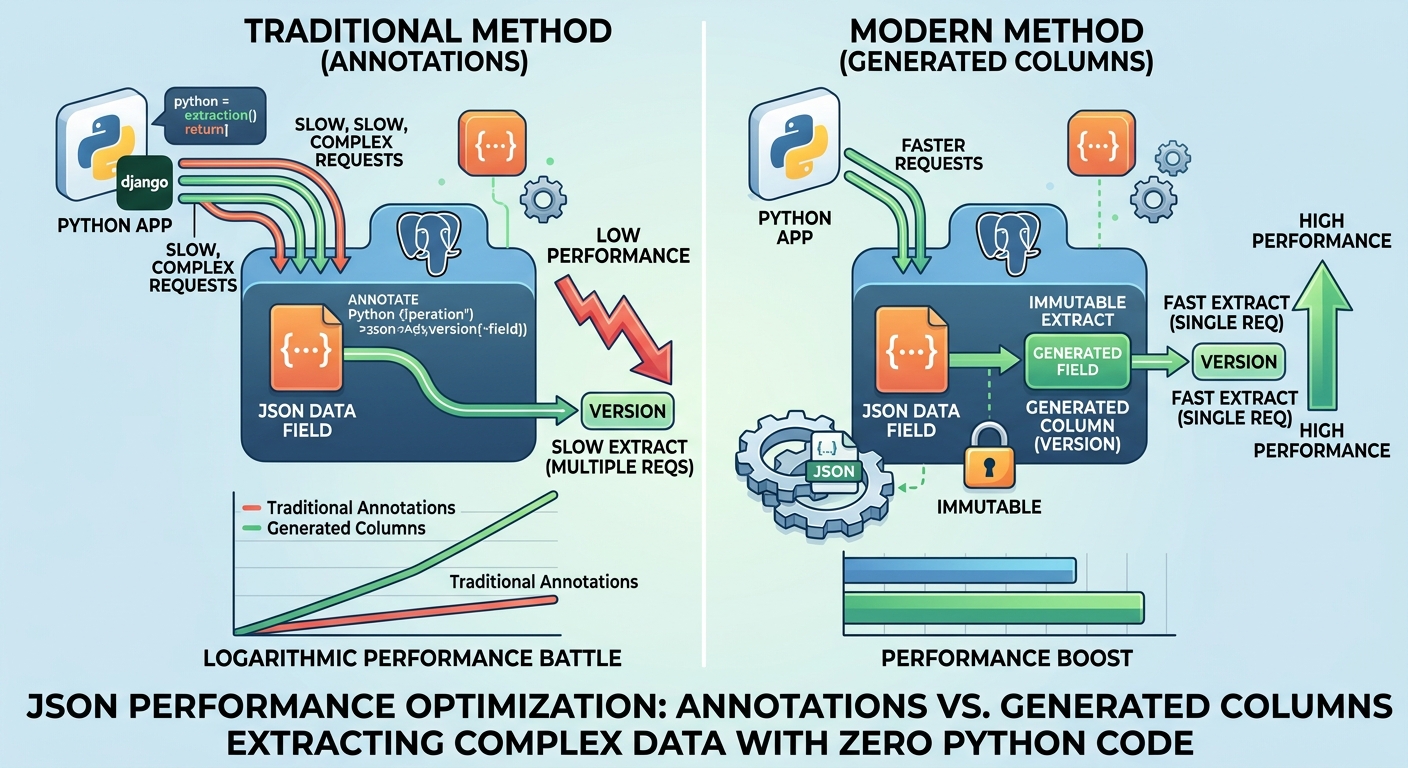
- Scenario: Extracting a specific field (like a package version number) from a complex JSON structure.
- Method: Using ORM Annotations to dynamically extract JSON keys during querying has poor performance. Using a generated column to specifically extract that “version number” into an independent field results in a massive (logarithmic) increase in query speed, avoiding the need to read irrelevant JSON payloads.
5. String Concatenation and Data Reorganization
- Scenario: Generating user full names or structured data.
- Method: It can automatically concatenate “First Name” and “Last Name” with a space, or recombine key fields, convert them to uppercase, create initials, or even generate a completely new JSON object directly at the database level.
6. Full Text Search
- Scenario: Searching book quotes or articles.
- Method: Using a generated column to automatically create a
search_vector, which automatically removes stop words and enables efficient full-text retrieval. - Key Consideration: The expression must be “immutable.” For multi-language content, do not pass language variables dynamically. Instead, use
Case/Whento enumerate the specific supported languages to bypass this limitation.
7. Date Range Filtering
- Scenario: Hotel booking systems.
- Method: Integrating “Start Date” and “End Date” into a “Date Range Field” via a generated column, making it easy to use range functions directly for fast filtering and querying.
8. Spatial and Geographic Data (with GeoDjango/PostGIS)
- Point: Automatically converting city coordinate points into GeoHash or standard GeoJSON formats for storage.
- LineString: Given a route, automatically calculating its exact physical length (in kilometers).
- Polygon: Given the polygonal border of a state or province, automatically calculating and generating its total area.
Comparison and Technical Summary
| Traditional Methods (Python Layer/Triggers) | Modern Method (Generated Columns) |
|---|---|
| Requires extra business logic code or complex database triggers. | Zero extra code; logic is defined directly within the table structure. |
| Risks of data synchronization delays and inconsistency. | Strong consistency; real-time updates guaranteed by the database engine. |
| Dynamic ORM Annotations consume computation and are slow. | Extreme performance; especially fast when extracting JSON fields. |
| Limited to specific application layer languages. | Highly versatile; supports various backends (like SQLite, PostGIS). |
Conclusion: Fully utilizing native database capabilities (the “lower level”) is a core principle of performance optimization. Generated columns provide developers with a cleaner model architecture and higher system performance with incredibly low maintenance costs.
Reference
PostgreSQL Generated Columns by Example